SAMLtest.id
#Configuration in SAMLTest.ID website
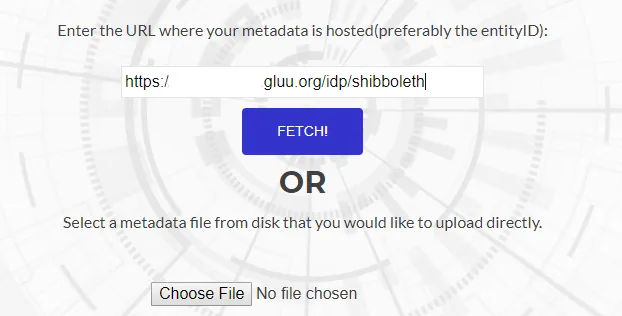
- Navigate to the SAMLTest website:
https://samltest.id - Upload or Fetch your Gluu Server Shibboleth metadata with the following link:
https://[hostname_of_gluu_server]/idp/shibboleth
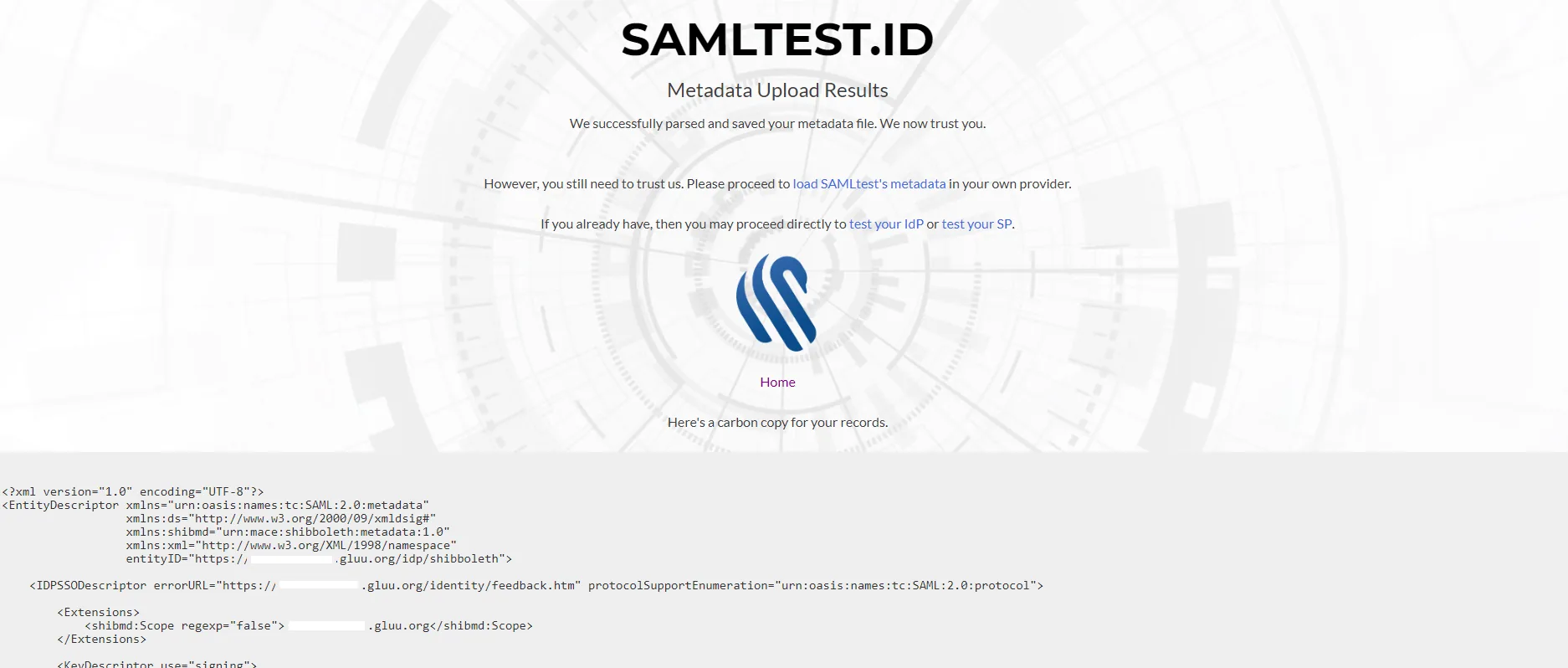
- After successful upload, you will see the following confirmation:
#Configuration in Gluu Server
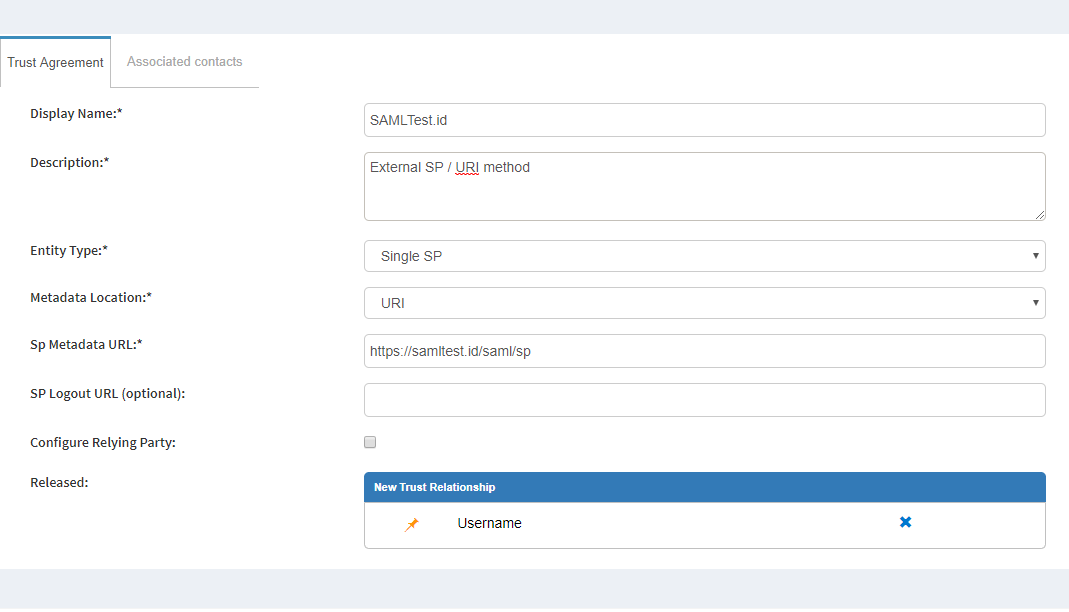
- From
https://samltest.id/download/, grab the SAMLTest.ID SP link:https://samltest.id/saml/sp - Move to create Trust Relationship in Gluu Server. Here is how you can create SAML Trust Relationship in Gluu Server.
#Test
- Go to
https://samltest.id/start-idp-test/ - Login Initiator:
https://[hostname_of_gluu_server]/idp/shibboleth - If everything goes well, you will your Gluu Server's login page
- Log in there
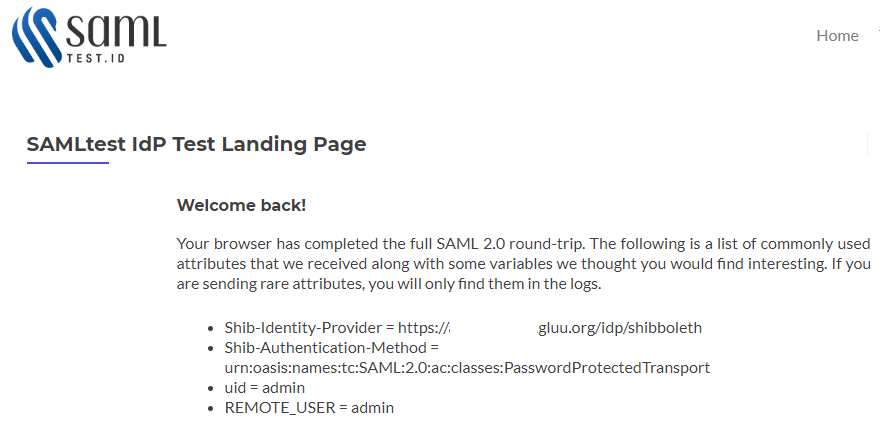
- You will be redirected to the SAMLTest.ID page.
#Logout Testing
- To test logout from SAMLTest.ID, you need to enable the
SAML2LogoutProfile from the Trust Relationship like below.
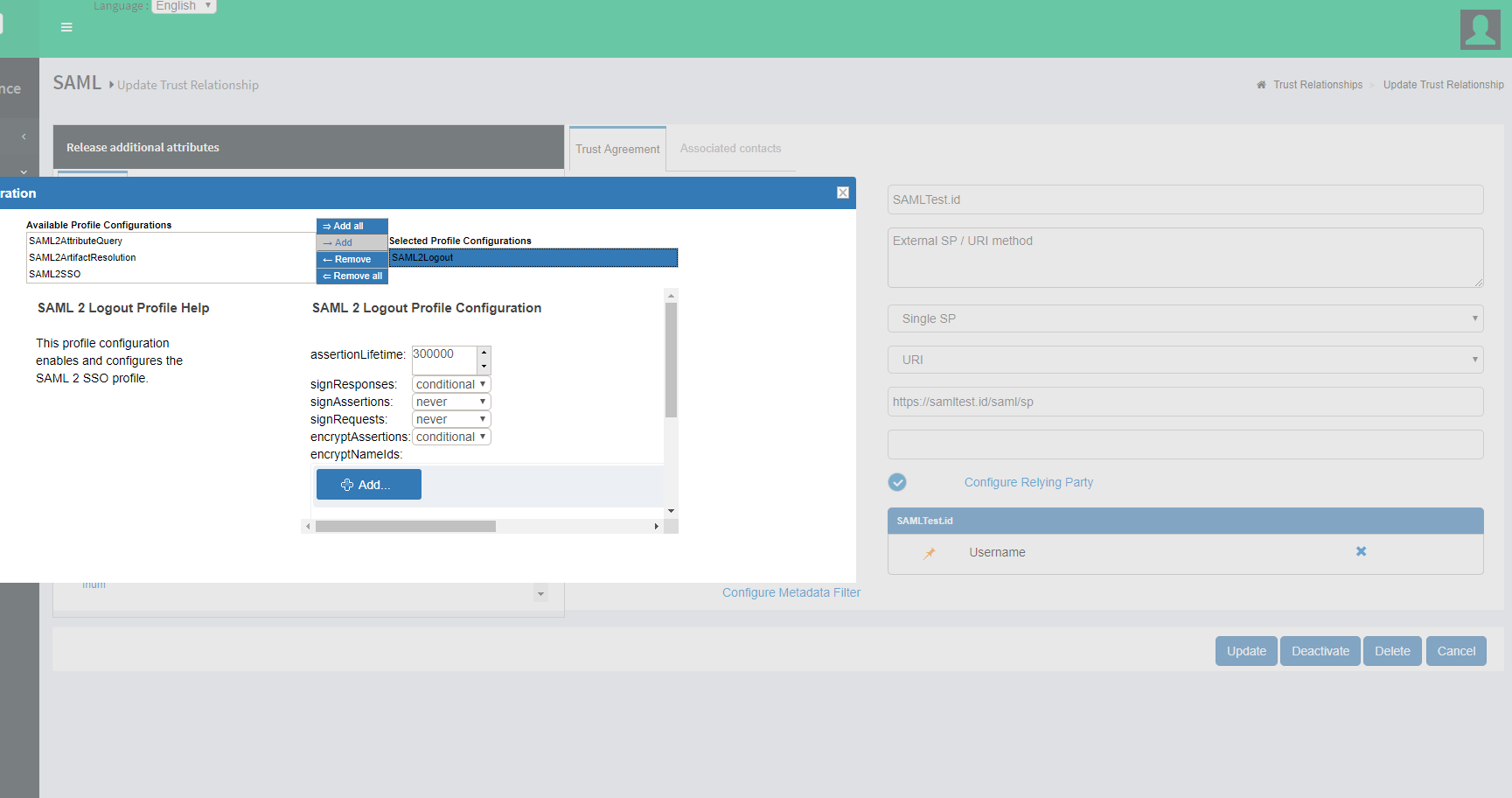
- Update it, then test after 5 mins from SAMLTest.ID