Users
tags:
- administration
- admin-ui
- users
- user-management
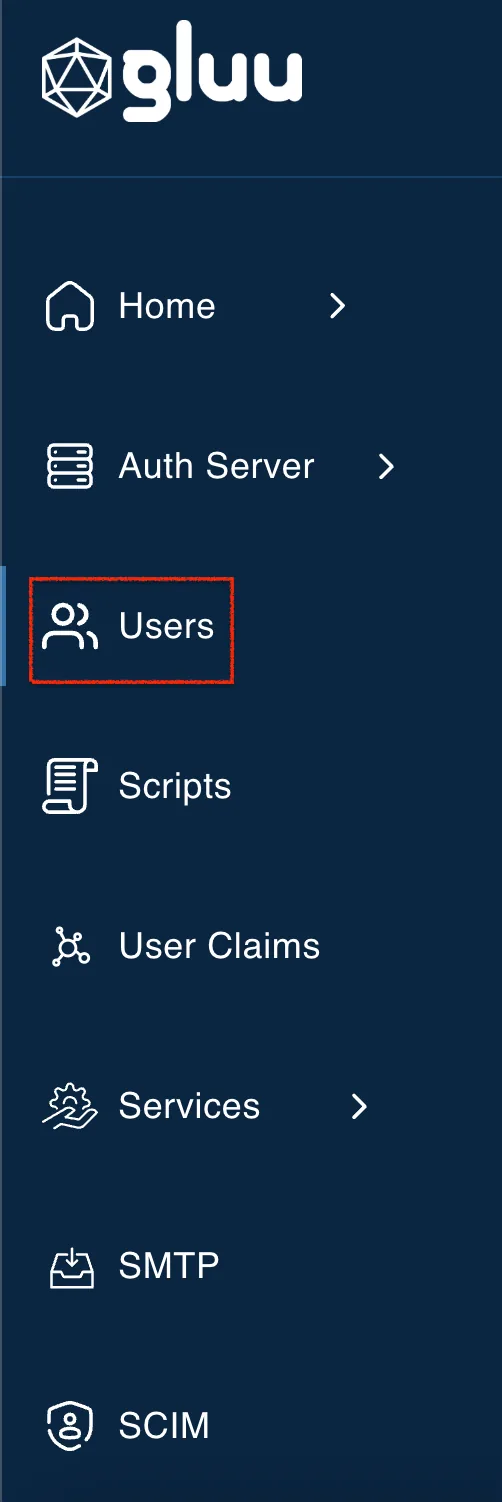
The User Management module allows administrators to create, edit, delete, and
search user records in Janssen persistence. This module can be accessed via
the Users link on the left navigation menu as shown in the image below.
#User List
Usersection lists all the available users in the Flex Server.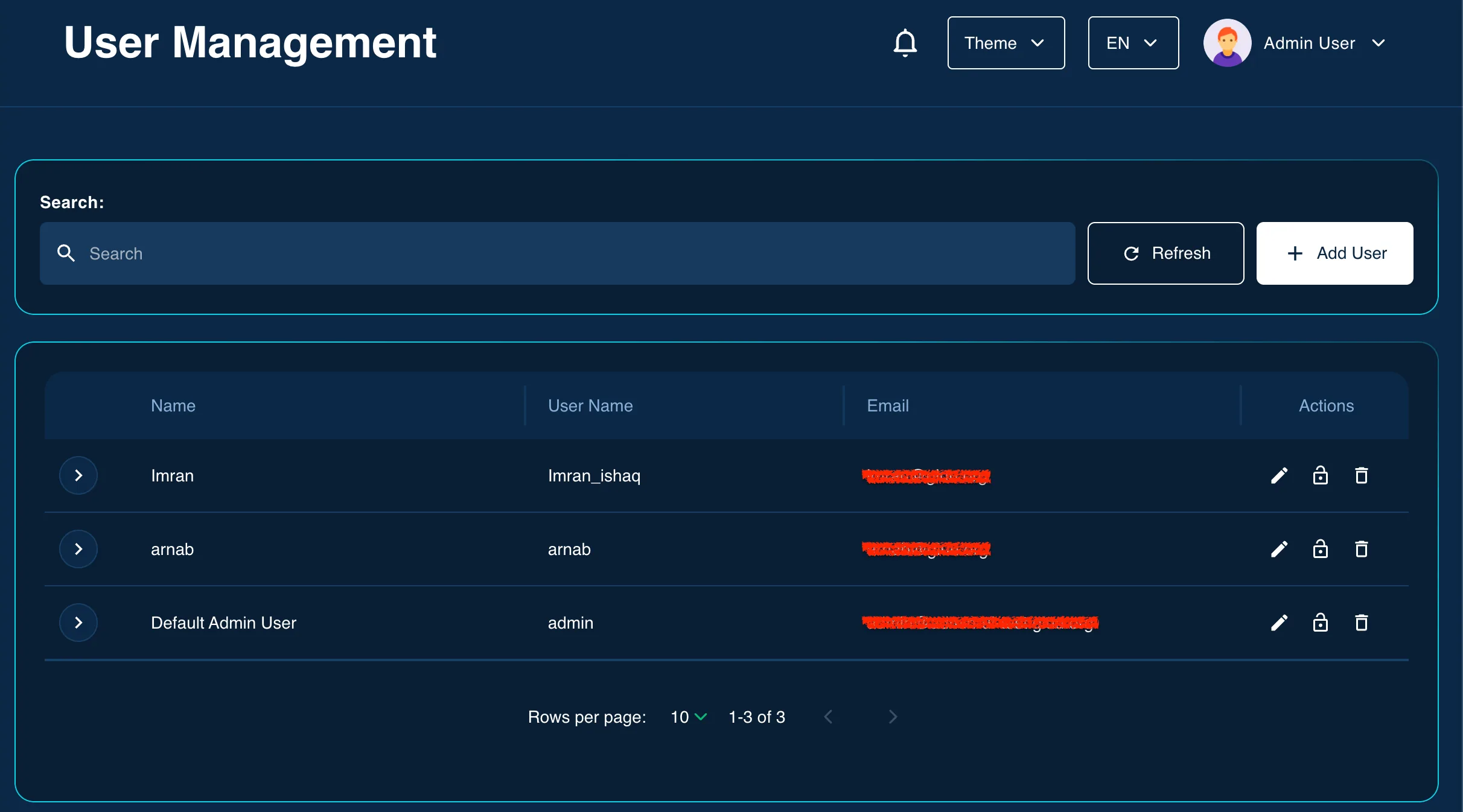
#Add User
To add a new user, use the edit action :material-pencil: on the user listing grid
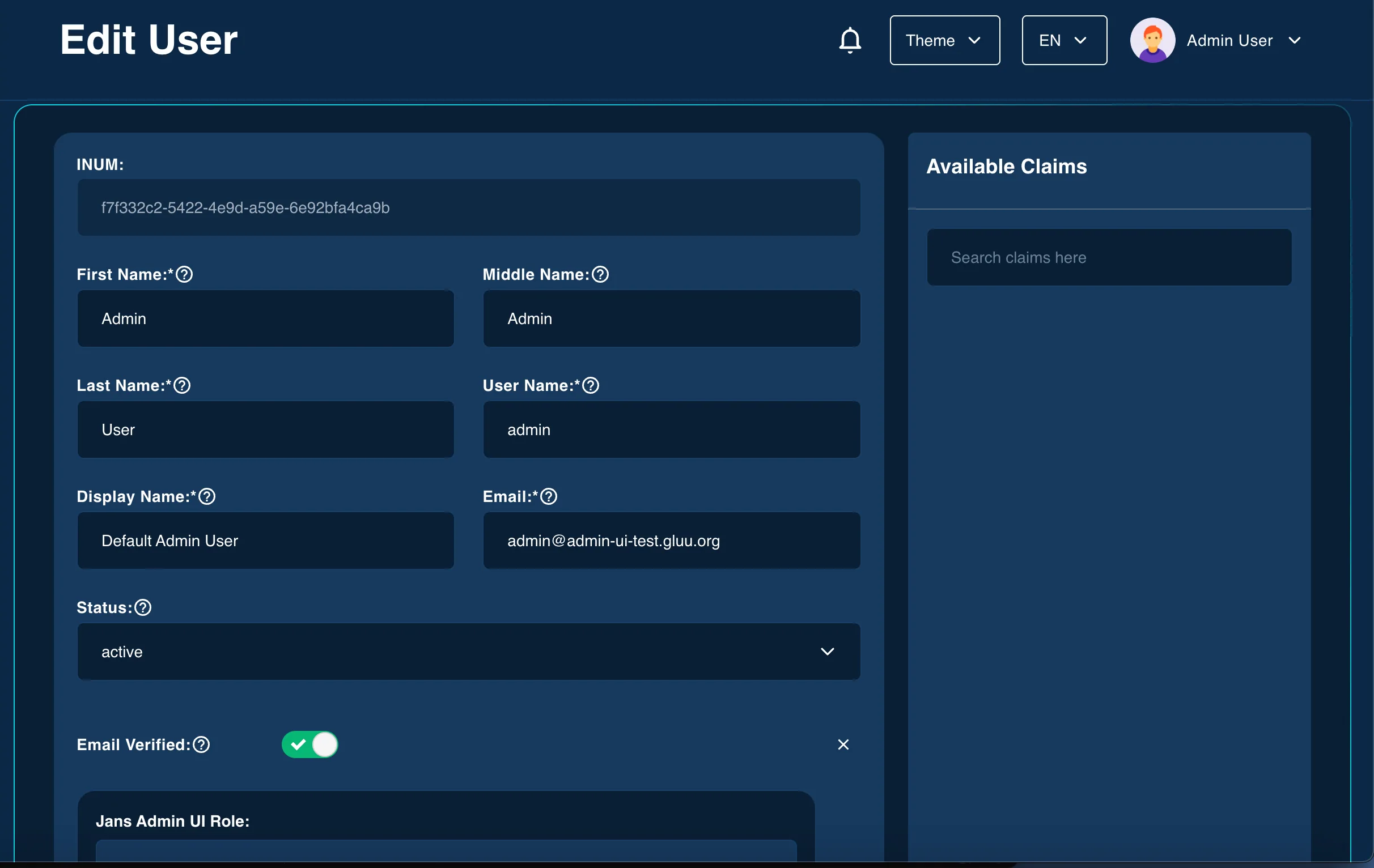
The user creation form includes a number of user claims by default but the administrator can add more user claims to the form using
Available Claimspanel on the right side. Different Admin UI Roles can be assigned to the user in thejansAdminUIRoleattribute (to be selected from theAvailable Claimspanel).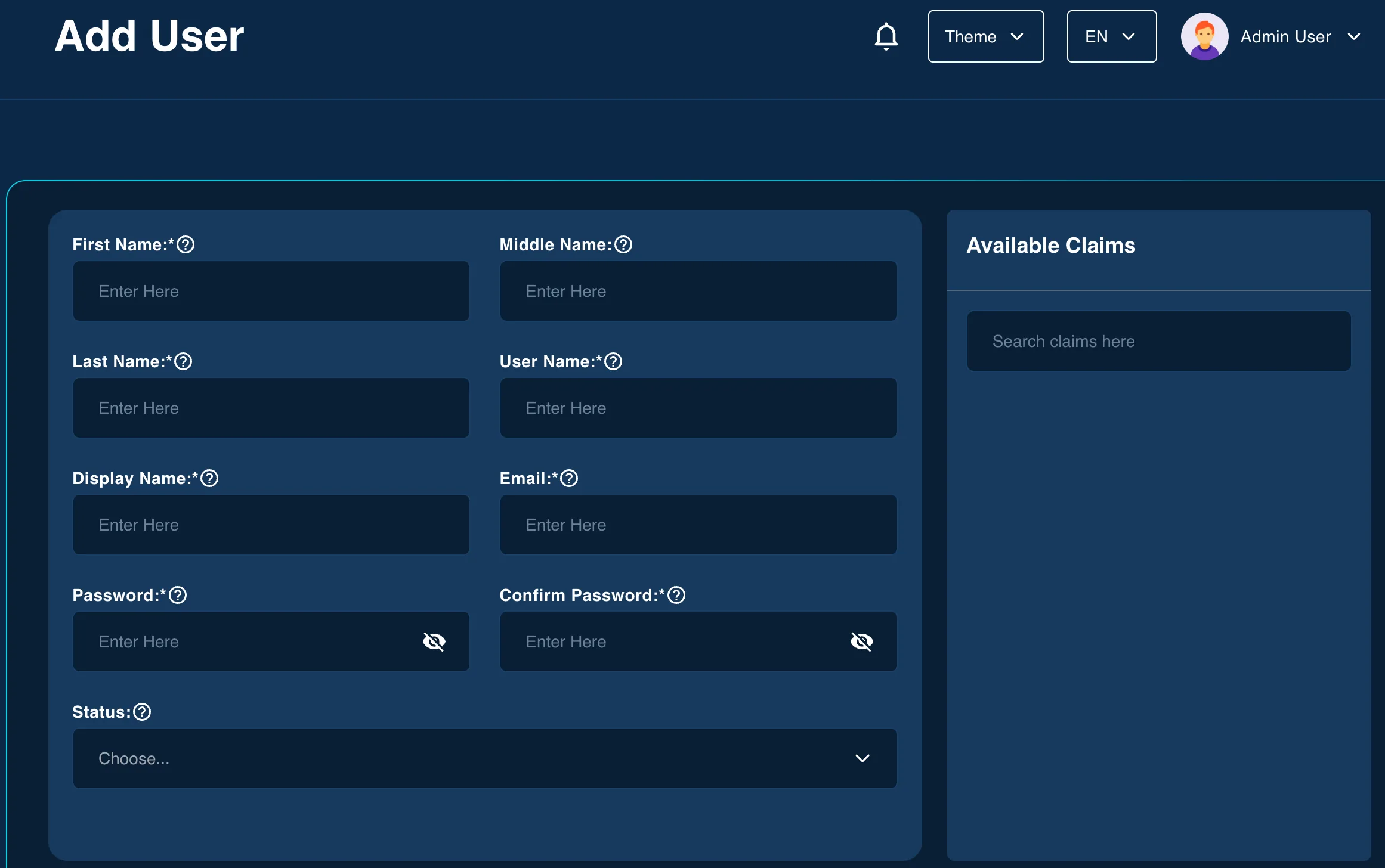
#Edit User
Modify existing user details, manage assigned claims, and update attributes.
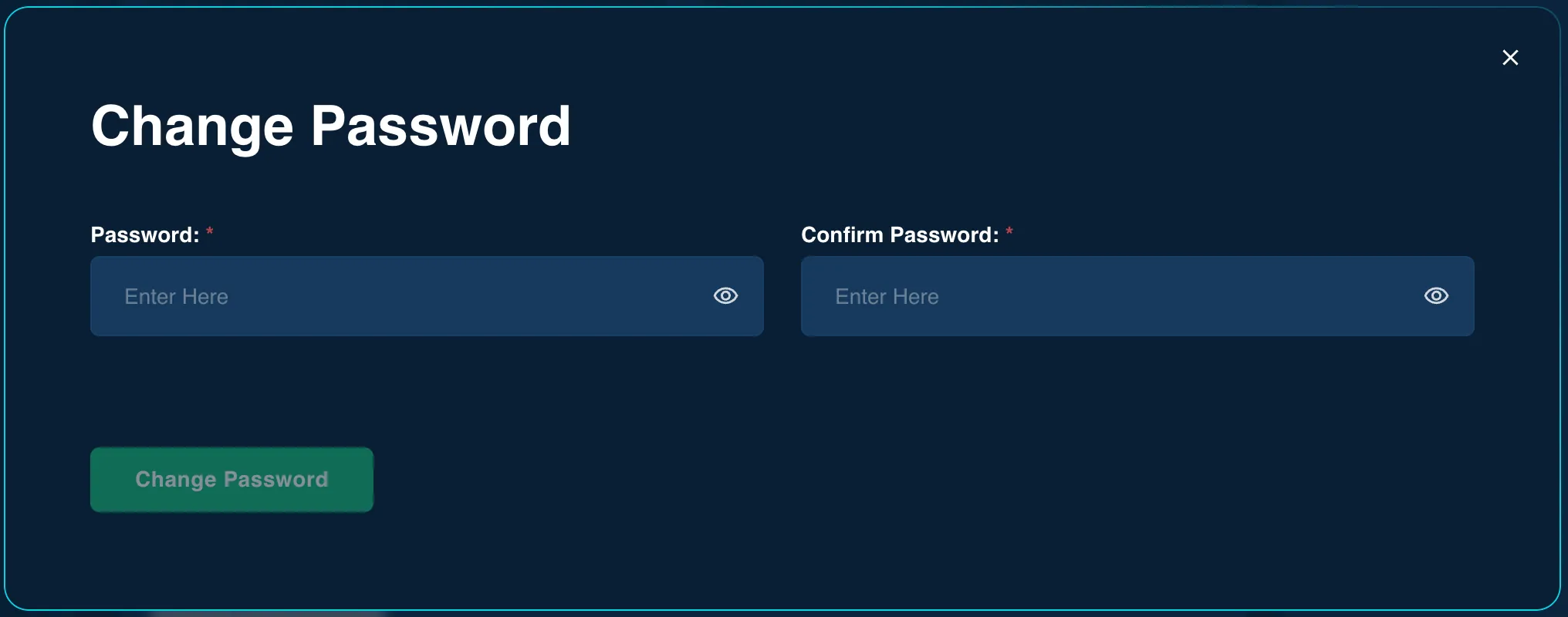
#Change password
The password can be changed from the Edit User screen.