
Consent Management
#Overview
The Consent Management plugin gives end-users the ability to view and revoke previously granted authorizations provided to applications accessed with their account in a Gluu Server.
#Requirements
- The plugin jar file must match the version of your Casa (and Gluu Server) installation.
#Installation
Login to Casa using an administrator account
Visit
Administration console>Casa plugins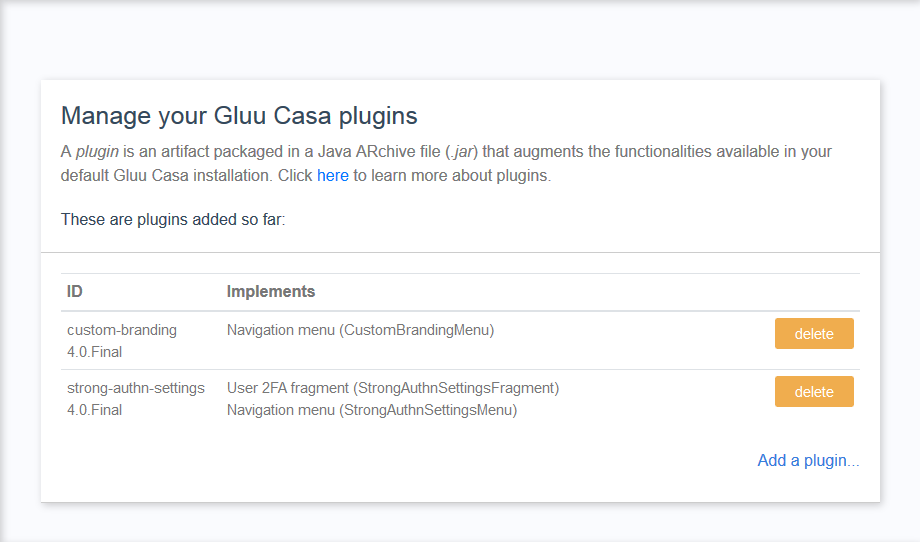
Click on
Add a plugin...and select the plugin jar fileClick on
Add
#User guide
For information on how to use the plugin, see the User Guide